By Teach with Krystal · for sensory and life-skills classrooms
Run Morning Meeting smoothly, with pictures every student can use
Talking Morning Meeting slides you can edit, AI help to add new content, and participation tracking built in — all with more than 500 original Teach with Krystal AAC pictures.
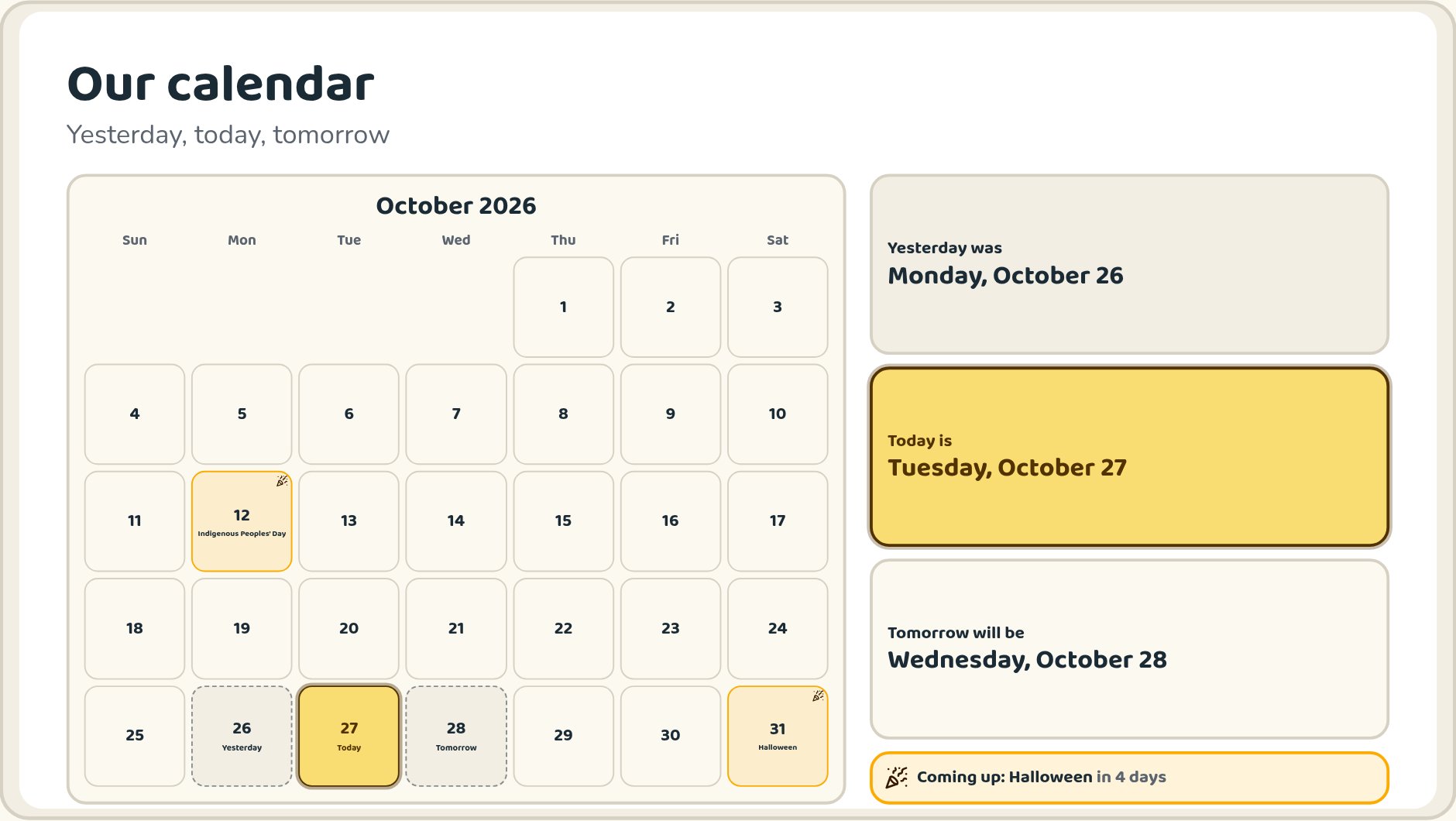
The Our calendar slide: today, yesterday and tomorrow, holidays and a countdown to what's coming up.
Five simple sections
Everything lives in one of five places, so you can find what you need in the middle of a lesson.

Morning Meeting
Run today's meeting, pick a deck, edit slides and get AI help.
Communication
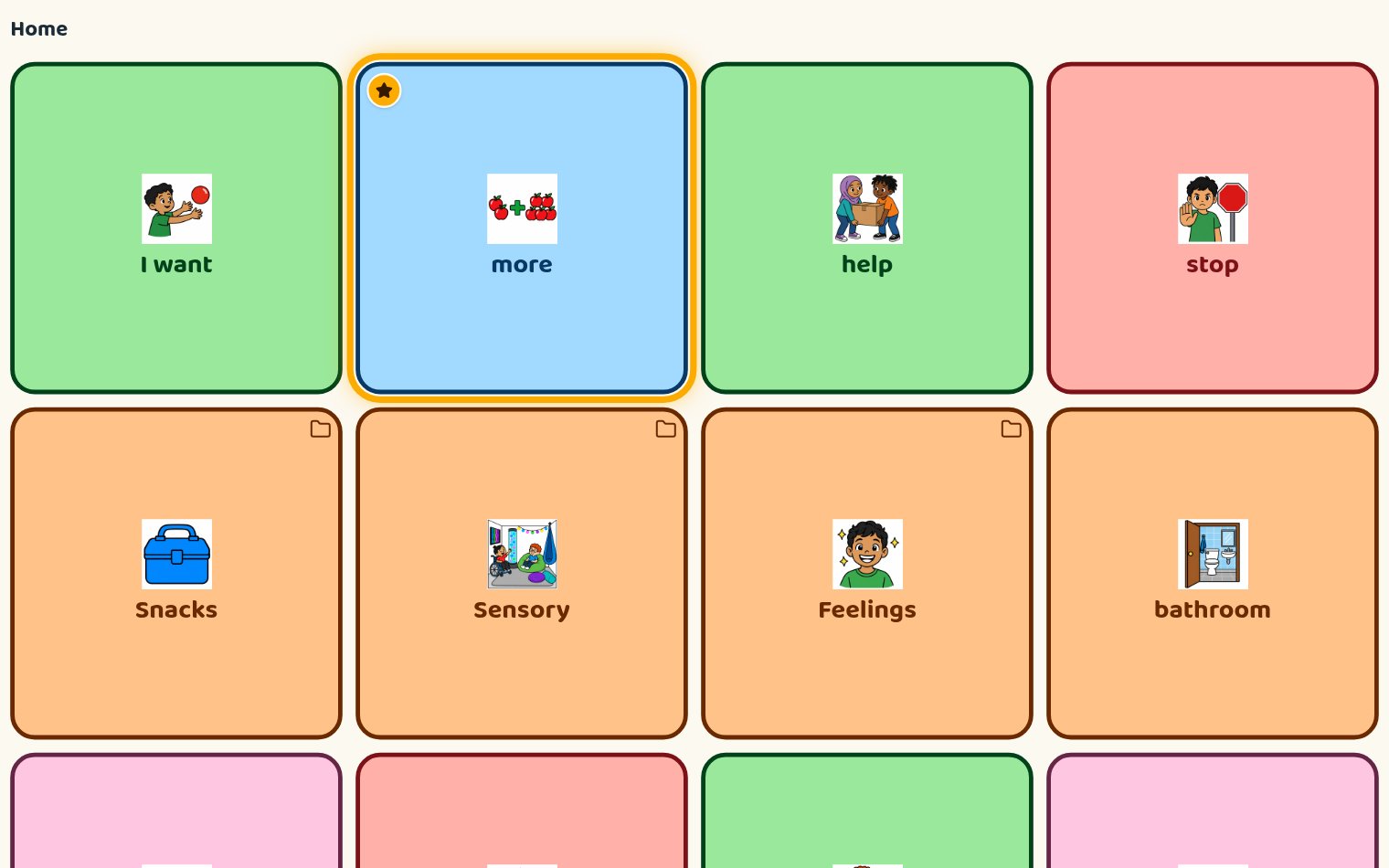
AAC boards with speech, sentence strips and word of the week.
Classroom
Schedule, rules, routines, sensory and calm tools.

Data
Participation, daily logs, progress and reports.

My Stuff
Your pictures, boards, class settings and plan.
What's inside
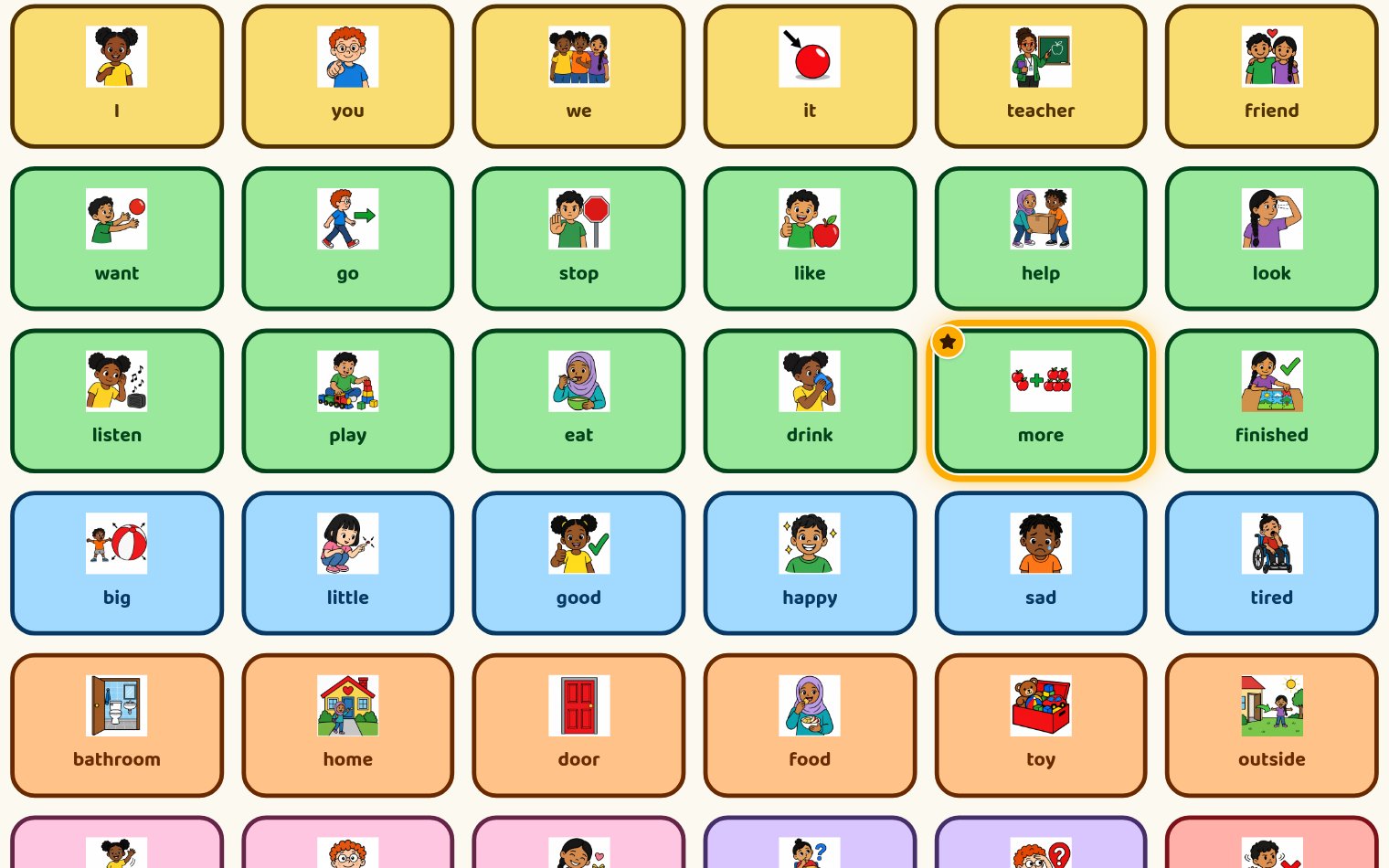
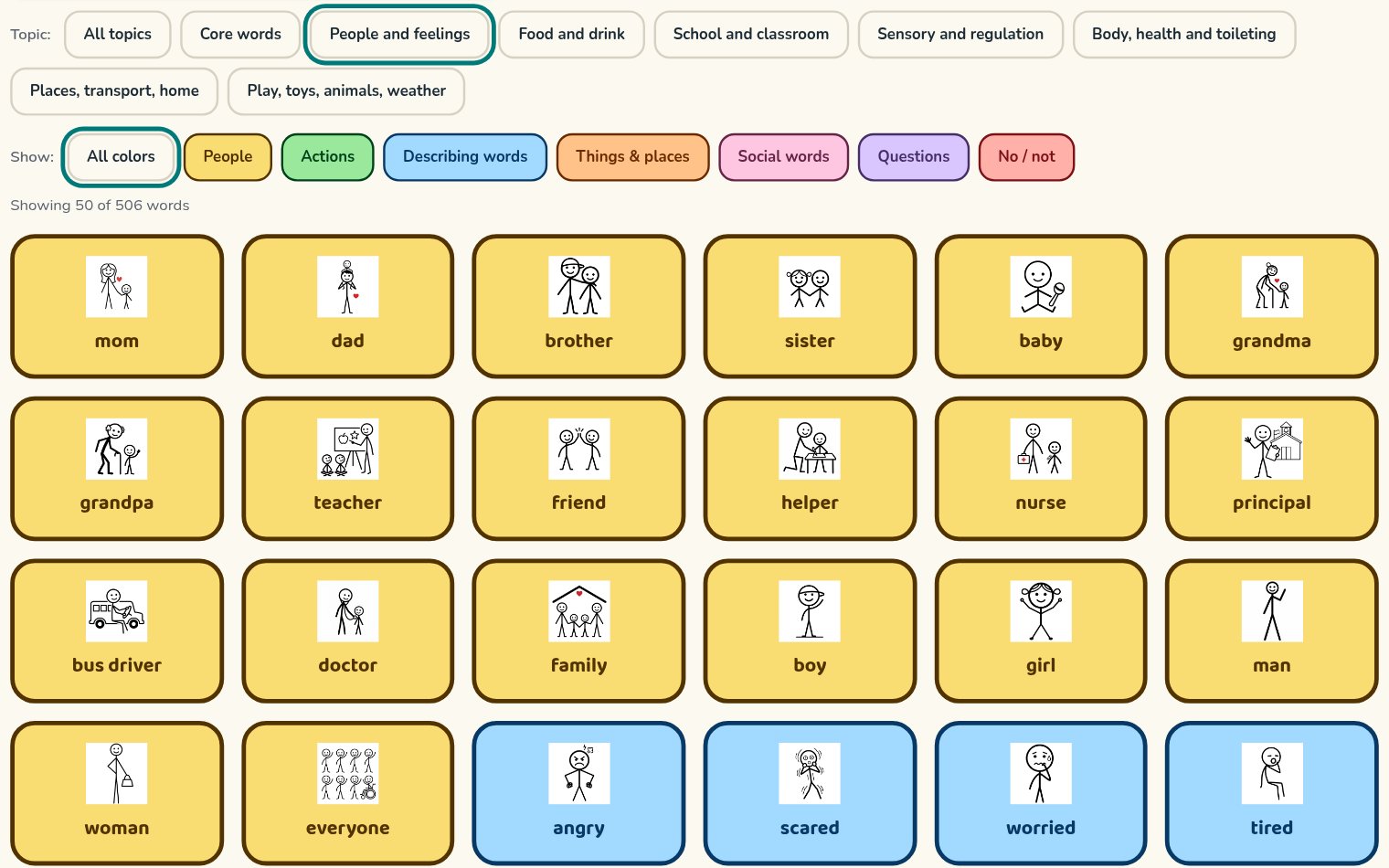
500+ original Teach with Krystal pictures
One picture set across every board, slide, schedule and printable — in colorful or stick figure style. Switch the whole app in Class setup.
A real classroom calendar
The month at a glance with today, yesterday and tomorrow marked. It moves to the new day on its own and shows holidays, plus your own days off and special events.
Morning Meeting you can edit
Five ready-made decks: Everyday, Start of year, Seasonal, 5-minute express and Fun Friday games. Make your own copy, then reorder, hide or add slides and picture slides.
AI help for your meeting
Ask for a new slide or a full themed deck. It only uses Teach with Krystal pictures, and you check it before it's added.
Participation & data
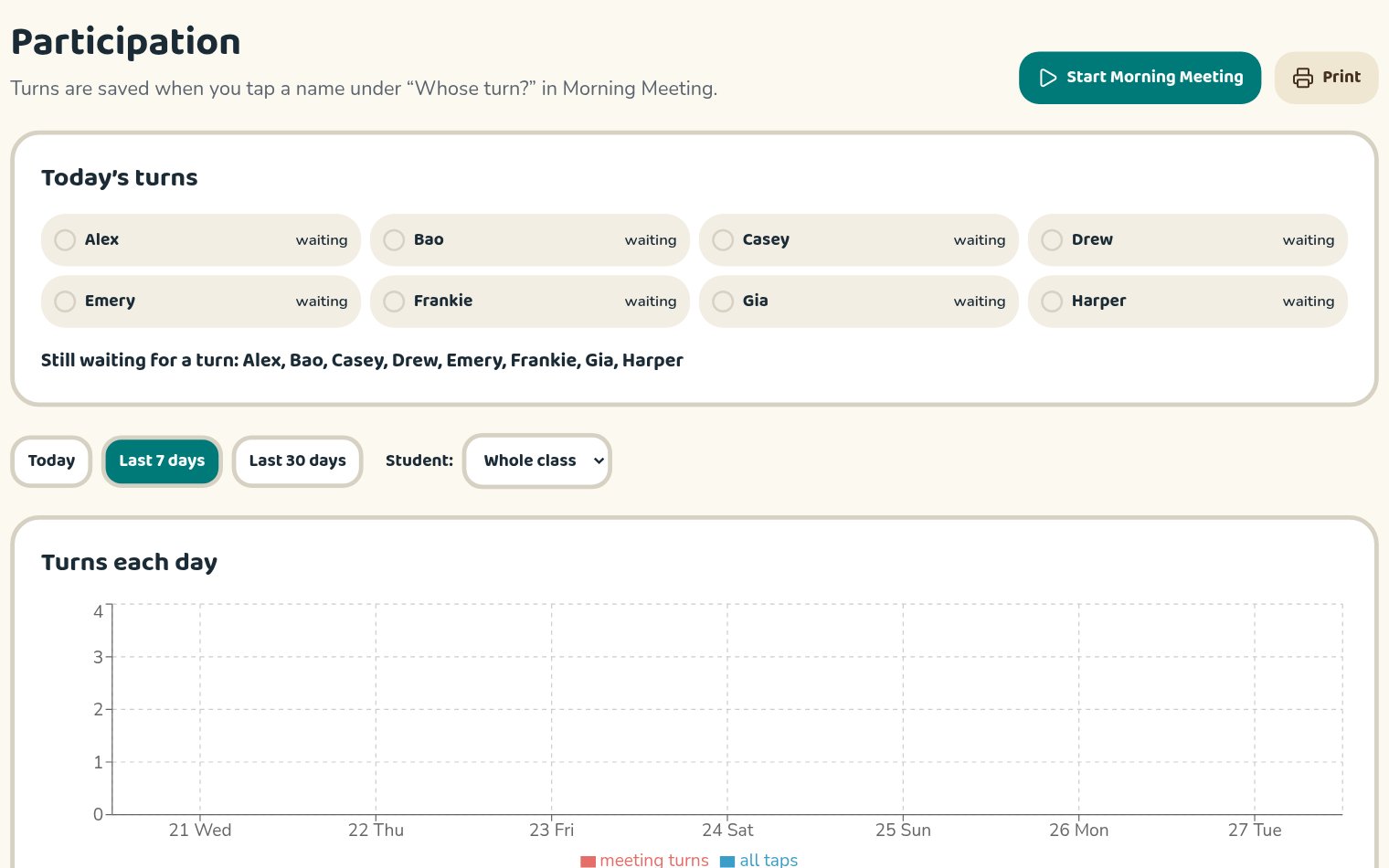
Tap a name under “Whose turn?” to save each turn. See who's still waiting, turns over time, core words used, a daily log, progress charts and IEP report sentences.
Word of the Week
Pick a core word in Class setup and it glows gold on every word board and Morning Meeting slide, with quick teaching tips.
Your own pictures & boards
Upload photos or draw your own pictures, then build as many word boards as you need, with folders and a talking sentence strip.
Find anything fast
Five simple menu sections and a Find button that searches every page, so nothing is buried.
Also included: visual schedule, First / Then board, class rules, routines, calm corner, regulation routine, movement breaks, classroom jobs, social stories, sub playbook, share links for aides and families, and printables for everything.
See the real screens
Simple teacher pricing
One teacher, one classroom. Your classroom hub and rules page are free. A plan unlocks everything else, including the AI helper. Every plan starts with a 14-day free trial.
Monthly
$12/month
14 days free, then $12 a month. Cancel any time.
Yearly
$96/year
14 days free, then $96 a year. Save $48 compared with monthly.
Questions teachers ask
- Which pictures does it use?
- Only Teach with Krystal pictures: more than 500 original AAC pictures, each in colorful and stick figure style, shared under CC BY-SA 4.0. You can also add your own photos and drawings to your account.
- Do I need a device for every student?
- No. Run Morning Meeting on one classroom screen or board, and use a tablet for a single student. Every picture speaks out loud when tapped.
- Can I change the slides, words and pictures?
- Yes. Turn on Teacher mode to edit rules, schedules, routines, word boards and more. For Morning Meeting, make your own copy of any deck to reorder, hide or add slides. Built-in decks stay as they are, so you can always go back.
- What does the AI helper do?
- On a paid plan, it can draft a slide, build a themed deck, or turn today's participation into notes you can edit. It only picks pictures from the Teach with Krystal set, and nothing is added until you say so.
- What student information is saved?
- Only what you add: students' first names, their picture PINs, and the taps, turns and notes you choose to save. It's kept in your private account, and share links for aides and families don't show student names.
- Can students sign in themselves?
- Yes. Each student can have a picture PIN, so they can open their own board without typing a password.
- Can I use it with verbal and non-verbal learners together?
- Yes. Every activity has pictures and speaks out loud, so speaking students build early reading skills while AAC users have a clear way to join in.
Ready for tomorrow's meeting?
- Works on a classroom board or a tablet
- Every picture speaks out loud
- Your settings follow you to every device
- Print anything you need